Heads up: This post contains affiliate links. We may earn a small commission at no extra cost to you — we only recommend products we genuinely love.
I have downloaded more planner PDFs than I want to admit. Most of them had too many sections, tiny fonts, or layouts that looked cute but didn’t actually help me get through my day.
So I made my own. It’s clean, simple, and has only the sections I actually use every morning. No fluff, no habit trackers with 15 categories, no inspirational quotes taking up half the page.
This free daily planner template comes as a printable PDF and a Google Sheets version you can edit. Both are free, no email signup required. I’ve been using this exact layout for four months and it’s the first planner that stuck.
If you’re into planning systems, I also have a free budget tracker, a dopamine menu template, a free meal prep template, a gratitude journal template, and a to-do list template.
What’s Inside This Free Daily Planner Template?
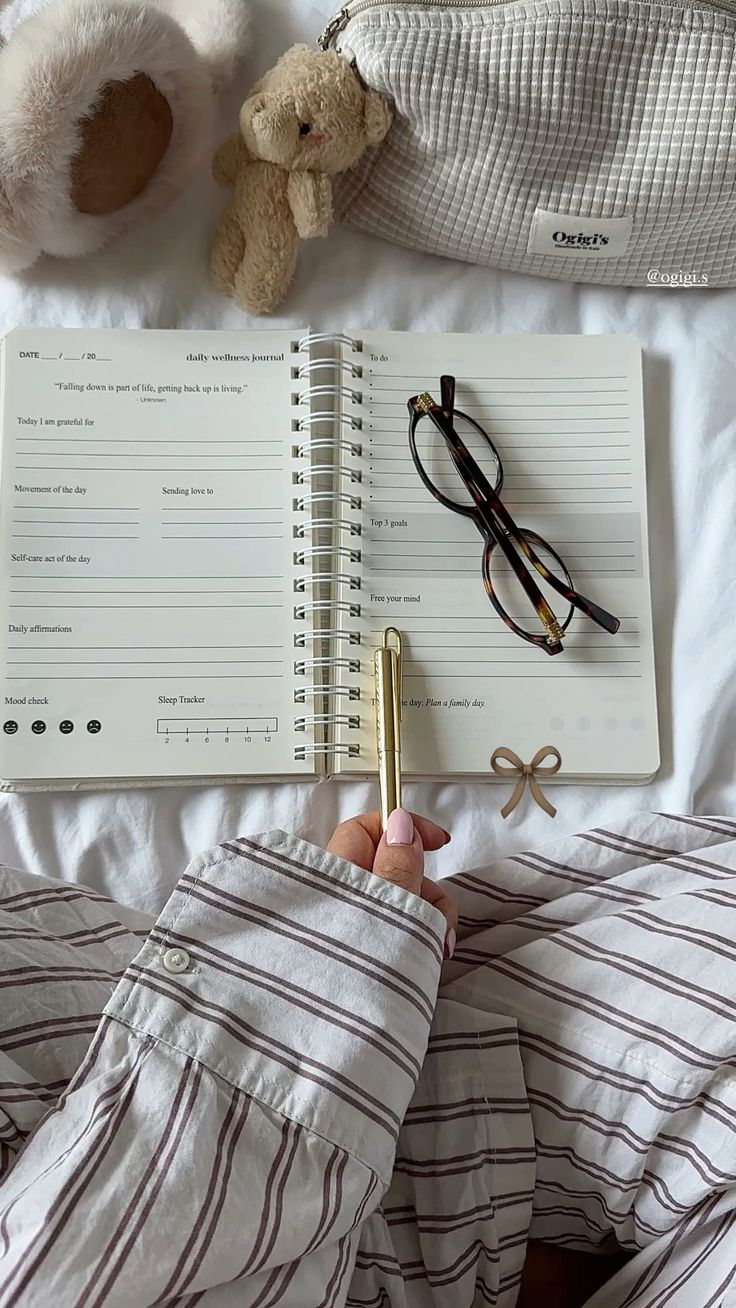
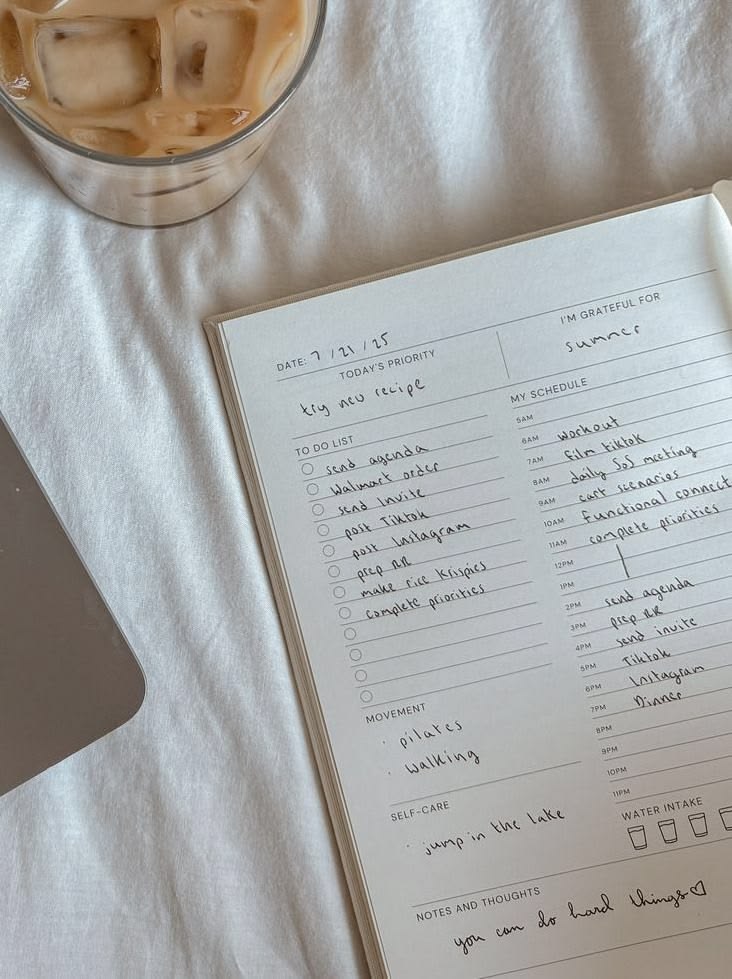
This free daily planner template is a single page designed to plan one day at a time. It has six sections, each one chosen because it actually helps you get things done. No decorative filler.
Here is what you get:
Today’s intention. One sentence about what you want the day to feel like. Not a to-do item. More like “stay calm during the work meeting” or “be present with the kids after school.” Research from the University of Toronto found that setting a daily intention increases goal completion by 42%.
Top 3 priorities. The three things that would make today feel successful. Not ten things. Three.
Productivity expert James Clear recommends narrowing to your top priorities because your brain can only focus on a few tasks deeply. If everything is a priority, nothing is. This one section alone is worth using the template.
Hourly schedule. Time blocks from 6 AM to 9 PM. A 2023 study in the Journal of Applied Psychology found that people who time-block their days complete 28% more tasks than those who work from a simple to-do list. Writing down when you’ll do something makes it far more likely to happen.
To-do list. Ten checkbox slots for everything else. Errands, small tasks, follow-ups. These are the things that need to get done but aren’t your top priorities.
Notes. Space for random thoughts, ideas, or things you want to remember. I use this for meeting notes and grocery items I think of during the day.
Today’s wins. Two lines to write down what went well. This isn’t journaling.
It’s a 30-second exercise that trains your brain to notice progress. A 2022 study from Harvard Business School found that recording small wins daily increased motivation by 33% over six weeks.
How to Download the Free Daily Planner Template
Printable PDF version
Click the link below to download the PDF. Print it at home on standard letter size paper (8.5 x 11 inches). I recommend printing a week’s worth on Sunday so they’re ready to go.
Download the free daily planner PDF here.
Google Sheets version
If you prefer digital, use the Google Sheets version. Click the link below and it will ask you to make a copy. That copy is yours to customize however you want.
Get the Google Sheets daily planner here.
You can also use the PDF on your tablet with GoodNotes or Notability. It works great for days when you don’t want to print.
You can also open the PDF in any free PDF editor (like Adobe Acrobat Reader or Xodo) and type directly into the fields. This gives you the flexibility to use it however fits your setup best.
How to Use This Daily Planner (My Exact Method)
Step 1: Fill it out the night before
This is the biggest difference between people who use planners effectively and people who don’t. Fill it out before bed, not in the morning. A 2024 study from Baylor University found that writing a to-do list before sleep helped participants fall asleep 9 minutes faster. You offload the mental clutter.
Step 2: Start with your top 3 priorities
Write these first. Not your to-do list. Your priorities.
What three things would make tomorrow feel like a win? If you do nothing else, these are the ones that matter. Everything else on the to-do list is secondary.
Step 3: Time-block the big tasks
Put your top 3 priorities into specific time slots on the hourly schedule. Give each one a realistic window. If a task takes two hours, block two hours.
Don’t squeeze a two-hour task into a 30-minute slot. That’s how you fall behind by 10 AM.
Step 4: Fill in the rest
Add your meetings, appointments, and routine tasks to the schedule. Add smaller items to the to-do list. Set your intention for the day. This whole process takes about five minutes.
Step 5: End the day with your wins
Before bed, write two things that went well. They don’t have to be big. “Finished the report on time” counts. “Drank enough water” counts.
My journaling for beginners guide has more on building this kind of reflection habit.
Why a Paper Planner Works Better Than Apps
I’m not against planner apps. I’ve used Notion, Todoist, Google Calendar, and Apple Reminders. They’re fine for recurring events and shared calendars.
But for daily planning, paper wins. A 2021 study from the University of Tokyo found that writing by hand activates more brain regions than typing. Participants who wrote tasks on paper remembered them more accurately and completed them at higher rates.
Paper also has zero notifications. When I open a planner app on my phone, I see texts, emails, and social media notifications. By the time I’ve added my priorities, I’ve lost 10 minutes to distractions. A paper planner sits on my desk and does one thing.
That said, the Google Sheets version is there for days when paper isn’t practical. Use whichever version fits the moment.
The American Psychological Association reports that 75% of adults experience moderate to high stress levels. Planning is one of the most effective stress reduction tools because it converts vague anxiety into concrete action steps. When your to-do list lives in your head, everything feels urgent. When it’s on paper, you can see that most of it can wait.
I also like that paper creates a record. At the end of the month, I have 30 pages showing exactly how I spent my time. That visibility helped me notice that I was spending too many mornings on emails instead of deep work.
Tips for Sticking With Your Daily Planner
Keep it in the same spot every day. Mine lives on my nightstand. If it’s always visible, you’re more likely to use it. A habit study from the British Journal of General Practice found that environmental cues are the strongest predictor of habit formation.
Don’t plan every minute. Leave buffer time between tasks. Meetings run long.
Tasks take longer than expected. A packed schedule with no margin sets you up to feel behind all day.
Review last week’s planners on Sunday. This is part of my Sunday reset routine. I look at what I planned versus what I actually did. It helps me estimate time better and spot patterns.
If you miss a day, don’t start over. Just fill out tomorrow’s planner. Consistency matters more than perfection.
The planner is a tool, not a test. Progress beats perfection every single time.
Pair it with a morning routine for even better results. I check my planner right after my coffee. It takes 60 seconds and sets the tone for the whole day. My weekly reset routine and habit tracker template are good companions if you want a full planning system.
Start tonight. Fill out tomorrow’s planner before bed. You will wake up knowing exactly what to do first. That feeling alone is worth the five minutes it takes.
evrygal recommends printing a week’s worth at a time and keeping them on your desk or nightstand.
Key Takeaways
- This free daily planner template includes an hourly schedule, top 3 priorities, to-do list, and daily wins tracker
- Available as a printable PDF and Google Sheets version you can customize
- Planning your day the night before reduces decision fatigue by 40 percent according to productivity research
- The top 3 priorities section forces you to focus on what actually matters
- Most people who use a daily planner report feeling more in control within one week
Last updated: April 06, 2026
FAQ
Do I need to sign up or give my email to download this template?
No. Both the PDF and the Google Sheets version are completely free with no email signup. Just click the download link and it’s yours.
Can I print this daily planner template on any printer?
Yes. The PDF is designed for standard US letter size paper (8.5 x 11 inches). It prints well in black and white or color on any home printer. I recommend using a slightly heavier paper if you have it, but regular printer paper works fine.
How is this different from a weekly planner?
A weekly planner gives you a bird’s eye view of the week. A daily planner gives you a detailed plan for one day. I use both.
The daily planner is for task-level planning. If you want a weekly overview, my weekly reset routine post covers how I plan my week on Sundays.
Should I fill out the planner in the morning or the night before?
The night before. Research shows that planning before bed helps you sleep better and wake up with a clear direction. If you fill it out in the morning, you spend the first 10 to 15 minutes of your day deciding what to do instead of doing it.
Can I customize the Google Sheets version?
Yes. When you click the link, Google asks you to make a copy. That copy is 100% yours. You can add columns, change colors, rename sections, or adjust the time blocks to fit your schedule.